App Blocking
Prevent storms automatically when any chosen apps are active, like Slack, VLC, Netflix and more. No sudden storms in the middle of The Sopranos.
Do you love when there's a storm pitter-pattering outside your
window?
RainStorm creates native, click-through rain simulations with real storm audio.
Create a living, ambient environment to focus, relax, & vibe.
Free during launch! • Swift for macOS 14+
RainStorm lives in your menu bar and is loaded with productivity features, so the rain always fits your day.
Prevent storms automatically when any chosen apps are active, like Slack, VLC, Netflix and more. No sudden storms in the middle of The Sopranos.
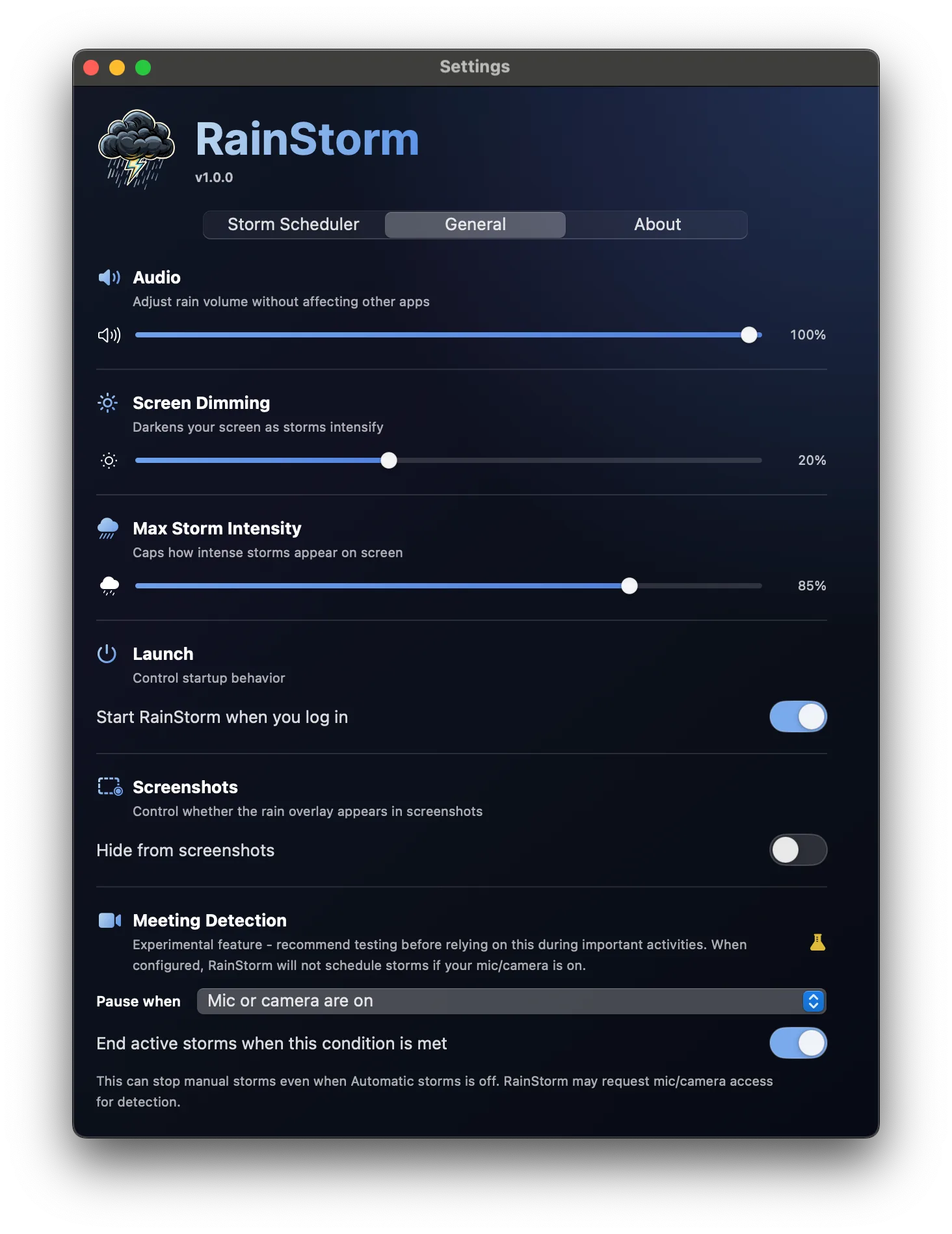
Uses microphone and camera activity to pause or stop every storm the instant a meeting begins. Never records.
A focused 25/5 cycle: work hard for 25 minutes, then let a 5-minute storm reset your mind for the next sprint.
Set specific times of day to pause all scheduled storms for total, uninterrupted silence.
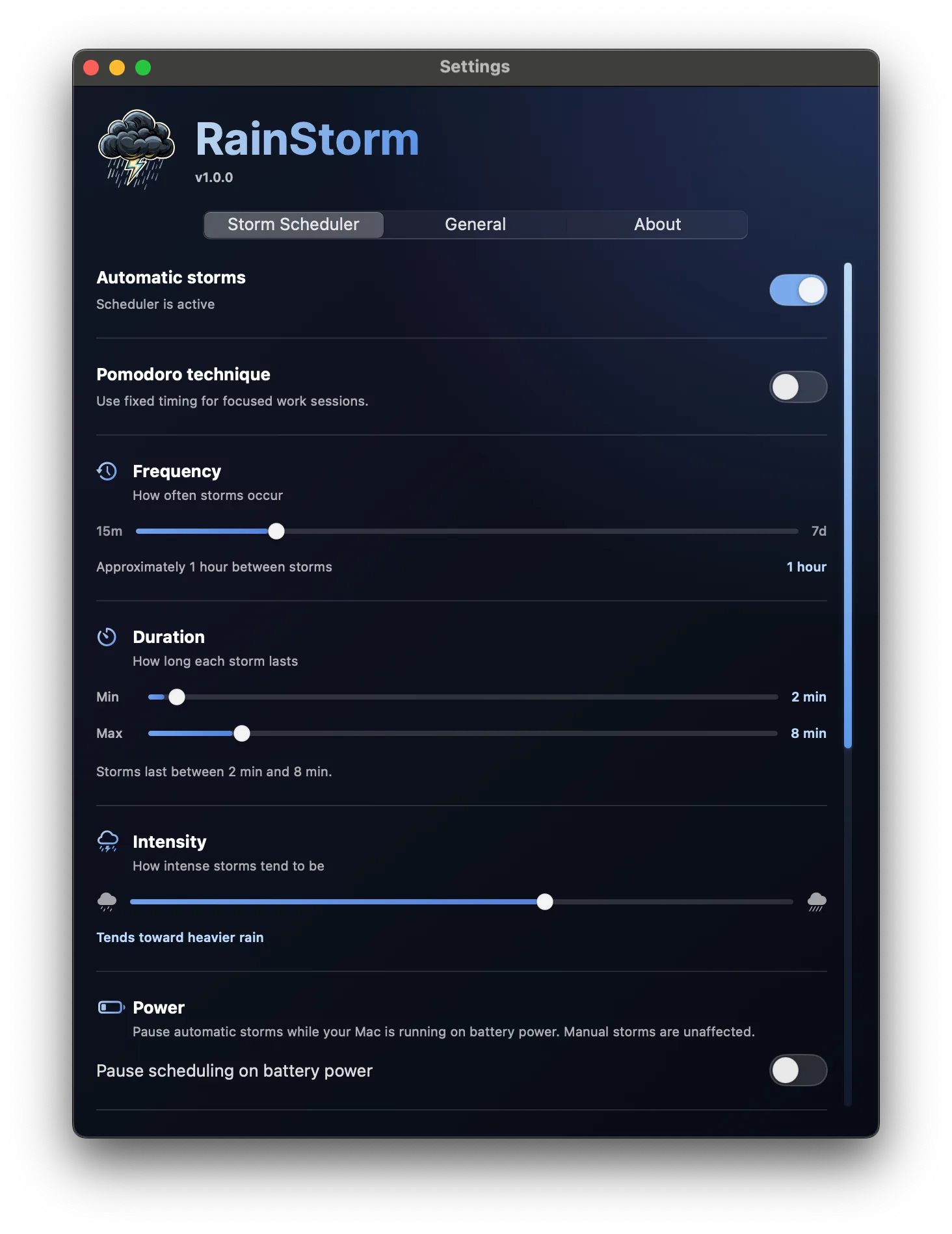
Optionally pause scheduling on battery. Active storms keep going, and the countdown resumes when you plug back in.
Built natively so your CPU and RAM stay focused on your work, not the weather. Without compromising the visuals.
Tune the Storm Scheduler until your storms are just right. Schedule anything from short, intense Hawaiian bursts to milder, long-lasting Pacific Northwest drizzles.
Set how often storms occur, how long the rain lasts, and how strong a storm tends to be.
Randomness is baked in. RainStorm avoids precise, robotic intervals, just like the real thing.
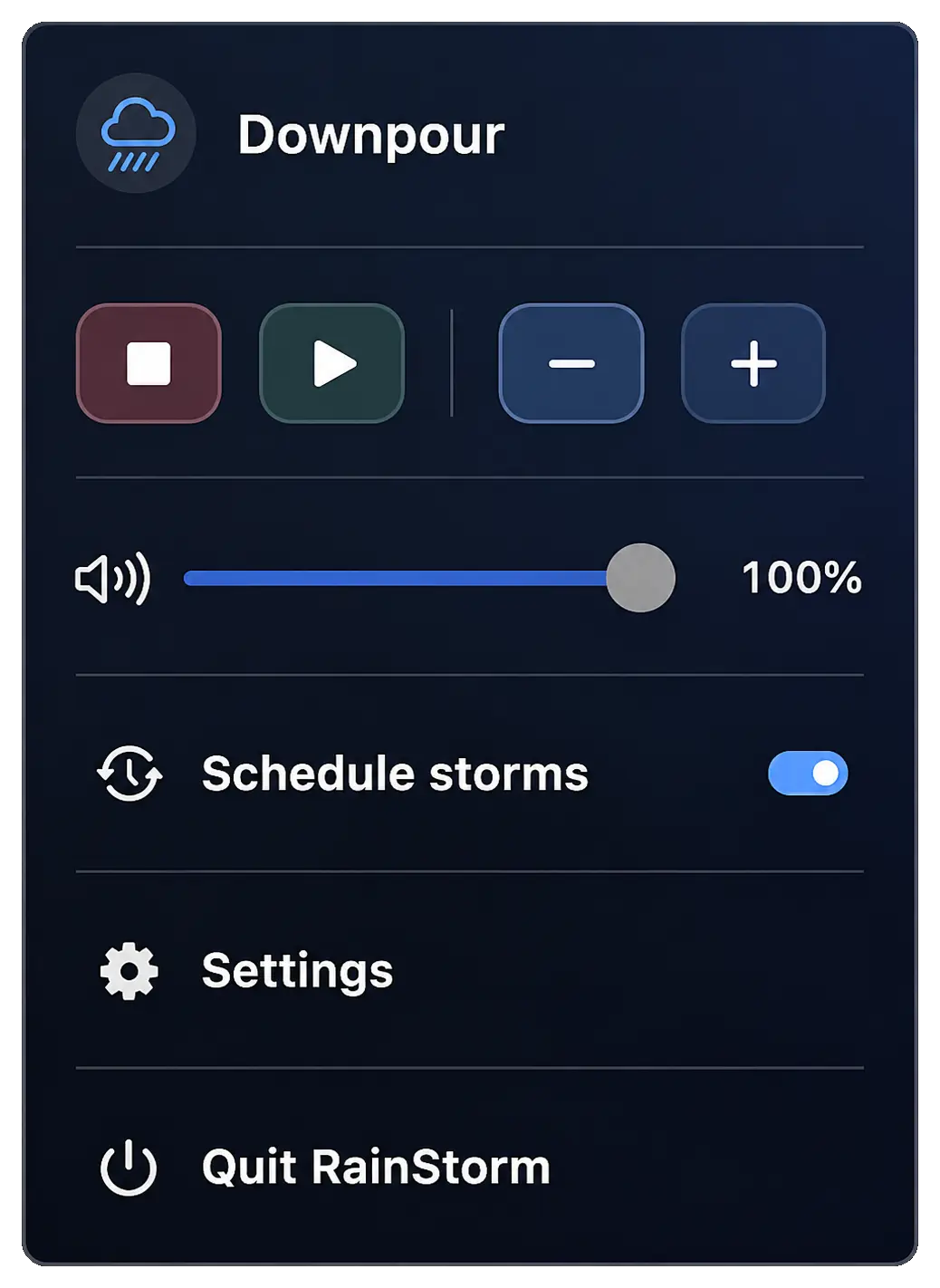
Adjust rain volume right from the menu bar to mix perfectly with your music or podcasts.
Control exactly how much the storm dims your screen. When the clouds part, your brightness returns.
Want your downpours to feel more like a drizzle? Cap the visual intensity to taste.
Watching a video of a rain storm is nice. Living inside one is better. RainStorm renders the storm right onto your desktop.
Drops, wind, and intensity change each storm, with detailed particle physics and parallax layers for real depth.
Dozens of high-quality recordings of real storms, automatically matched to the intensity on screen.
A visual-only overlay that ignores your mouse. Keep writing code, reviewing docs, or studying through the storm.
Storm intensity rises and falls like real weather, drifting from the faintest drizzle to a full downpour and everything in between.
Whether you run one screen or four, RainStorm generates a unique storm across every built-in and external monitor.
Gorgeous rain rendered natively with Apple's Metal engine for high-performance, lag-free visuals.
RainStorm is built with Swift to be fast, lightweight, and smooth as butter. No accounts, no clutter, no cloud.
Turn your stressful day into a vibe. Wash away frustration.
Get it while it's free 🙂